
39 lines
1.9 KiB
Markdown
39 lines
1.9 KiB
Markdown
---
|
|
title: "Introduction to Bases"
|
|
source: "https://help.obsidian.md/bases"
|
|
author:
|
|
- "[[Obsidian Help]]"
|
|
published:
|
|
created: 2025-08-29
|
|
description: "Introduction to Bases - Obsidian Help"
|
|
tags:
|
|
- "clippings"
|
|
---
|
|
[Obsidian Help](https://help.obsidian.md/Home)
|
|
|
|
Bases is a [core plugin](https://help.obsidian.md/plugins) that lets you create database-like views of your notes. Using a base you can view, edit, sort, and filter files and their [properties](https://help.obsidian.md/properties). Bases can help you organize everything from projects to travel plans, reading lists, and more.
|
|
|
|
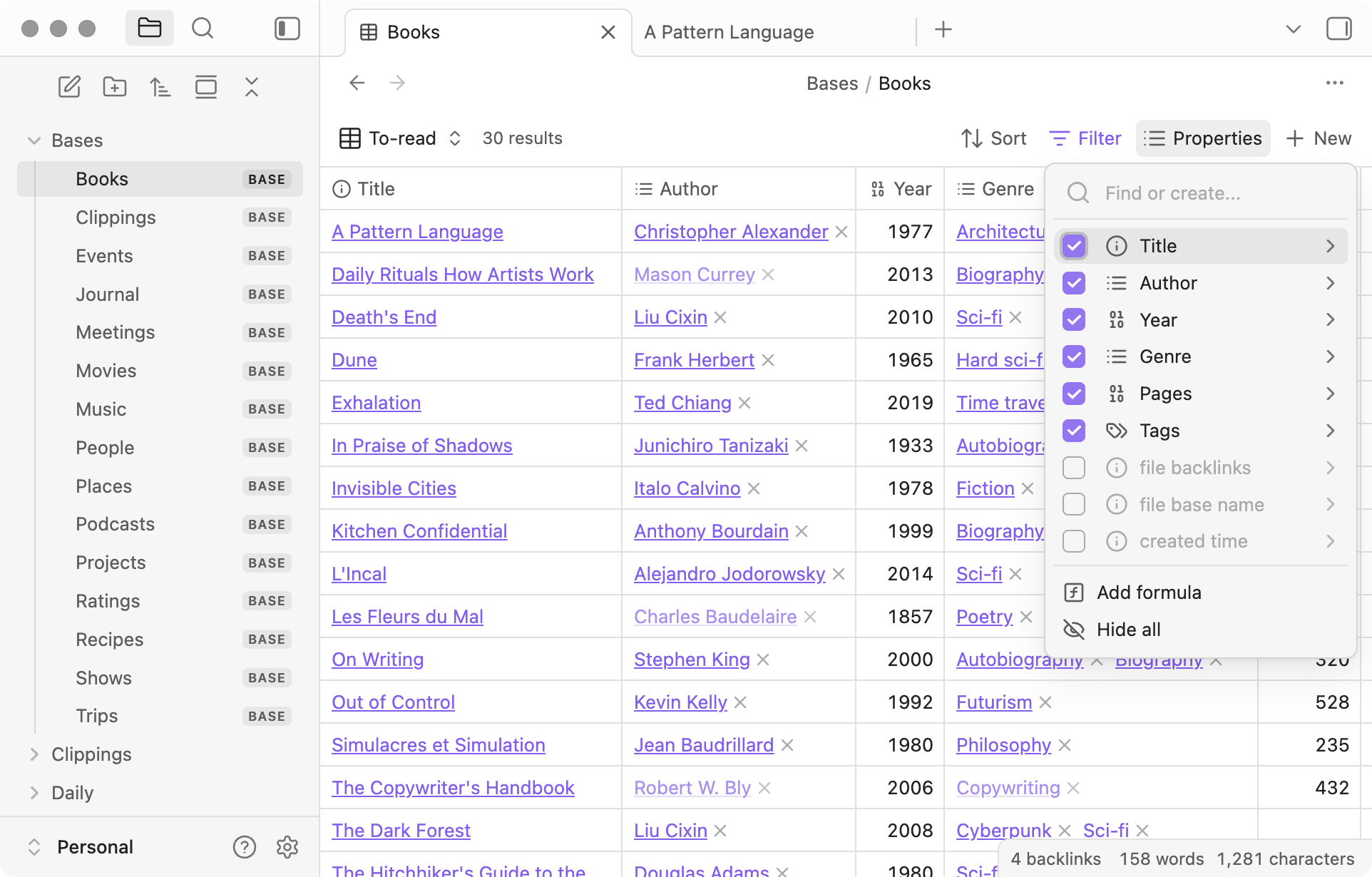
Each base can have several [views](https://help.obsidian.md/bases/views) with different layouts such as tables and cards. Below is an example of table view where each row is a file, and each column is a property of that file.
|
|
|
|
|
|
|
|
Example of a base showing a table view with a list of books
|
|
|
|
All the data in Obsidian Bases is stored in your local [Markdown](https://help.obsidian.md/syntax) files and their [properties](https://help.obsidian.md/properties). The views are described by the [Bases syntax](https://help.obsidian.md/bases/syntax), which can be saved as a `.base` file or [embedded](https://help.obsidian.md/bases/create-base#Embed%20a%20base) in code blocks within your Markdown files.
|
|
|
|
## How to use bases
|
|
|
|
- [Create a base](https://help.obsidian.md/bases/create-base)
|
|
- Learn how to create and embed a base.
|
|
- [Views](https://help.obsidian.md/bases/views)
|
|
- Explore filters, properties, and layouts.
|
|
- [Functions](https://help.obsidian.md/bases/functions)
|
|
- Functions you can use in formulas and filters.
|
|
- [Bases syntax](https://help.obsidian.md/bases/syntax)
|
|
- How base files are formatted.
|
|
|
|
Introduction to Bases
|
|
|
|
Interactive graph
|
|
|
|
How to use bases |